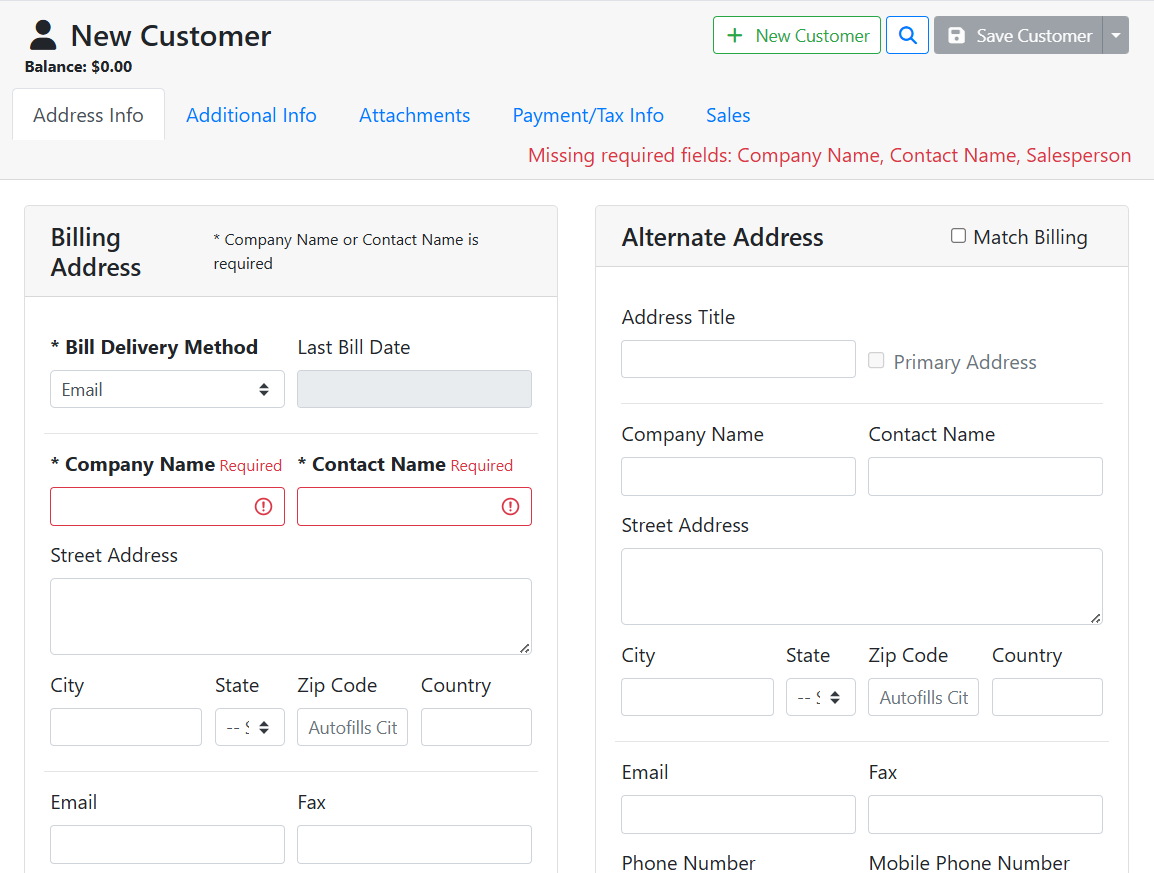
There are three ways to create a new customer.
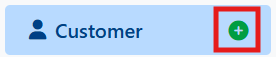
From the navigation menu, click the plus button next to the customer menu title.
Read more about navigation.
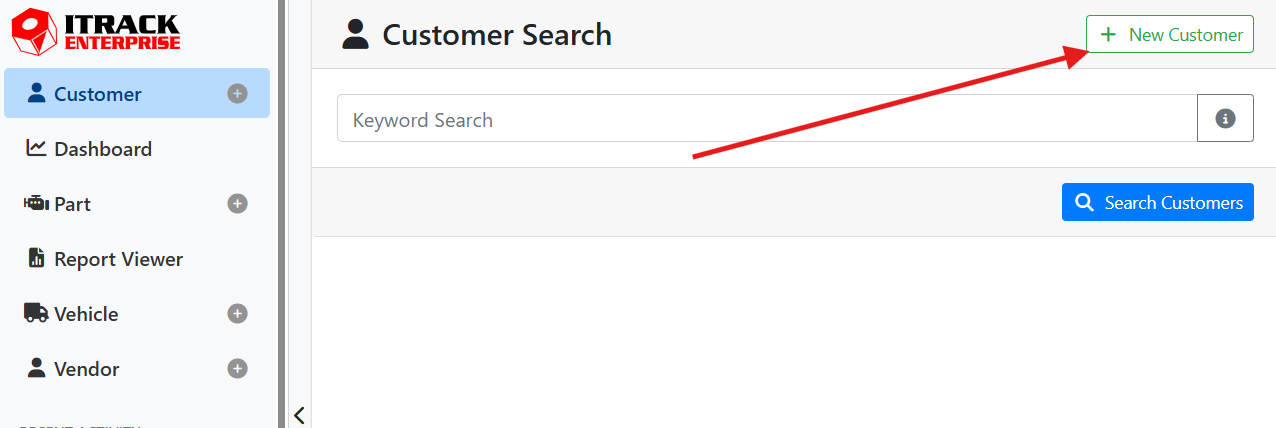
On the Customer Search screen, click the + New Customer button in the upper right corner.
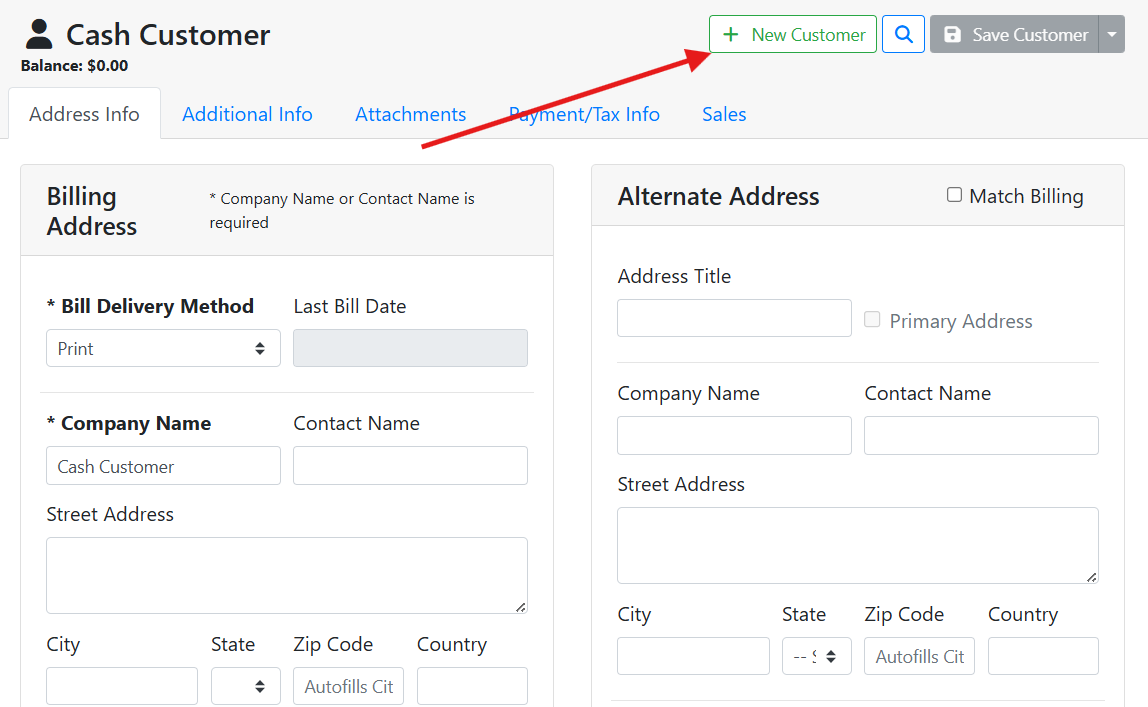
On the Customer screen, click the +New Customer button at the top of the screen.
Once you start a new record, required fields will be bold and have an asterisk. The Save button is disabled until you complete all required fields. A customer need either a Contact Name or a Company Name assigned to it.