
If you are on the Customer or Vendor screen and want to open a specific customer or vendor, you don’t need to return to the search screen to do so.
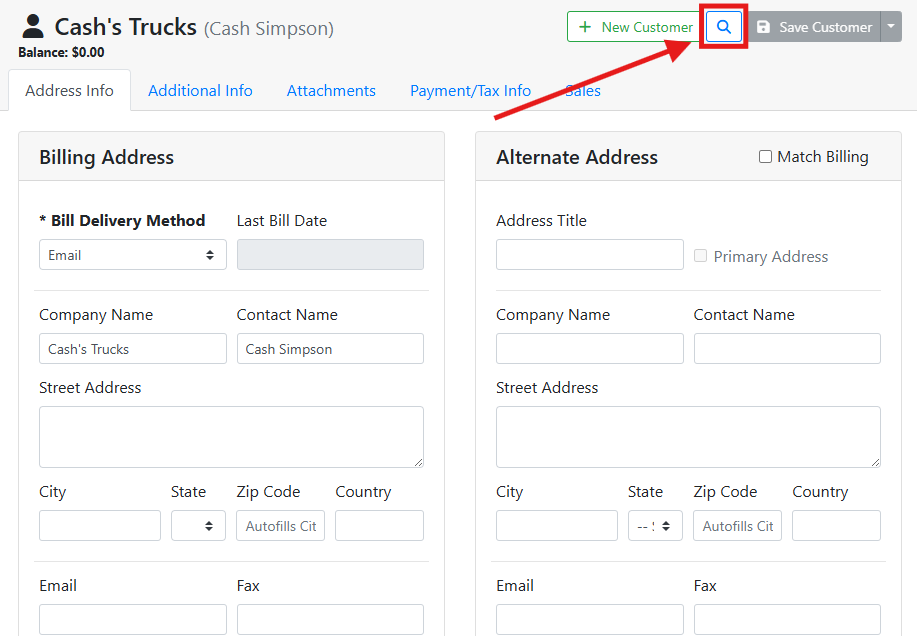
At the top of the screen, click the spyglass
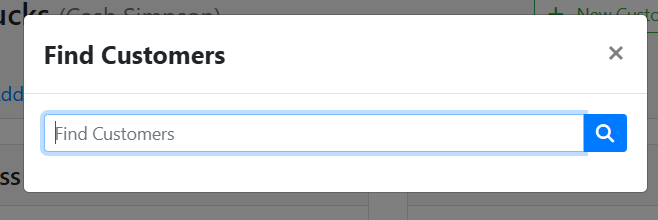
A window will open where you can type either a Company Name or a Contact Name. Either click the spyglass button or press Enter on your keyboard and the matching customer or vendor will open.
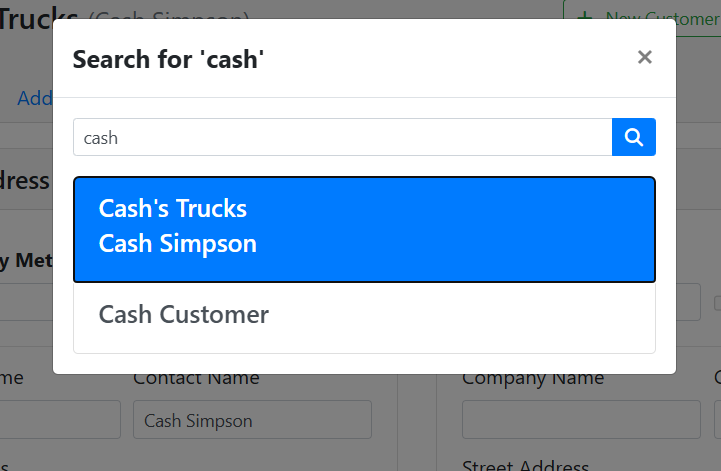
If more than one match is found, you will be shown all matching results and can pick the correct one.
The screenshots in this article reference customers, but the interaction works the same way for vendors.