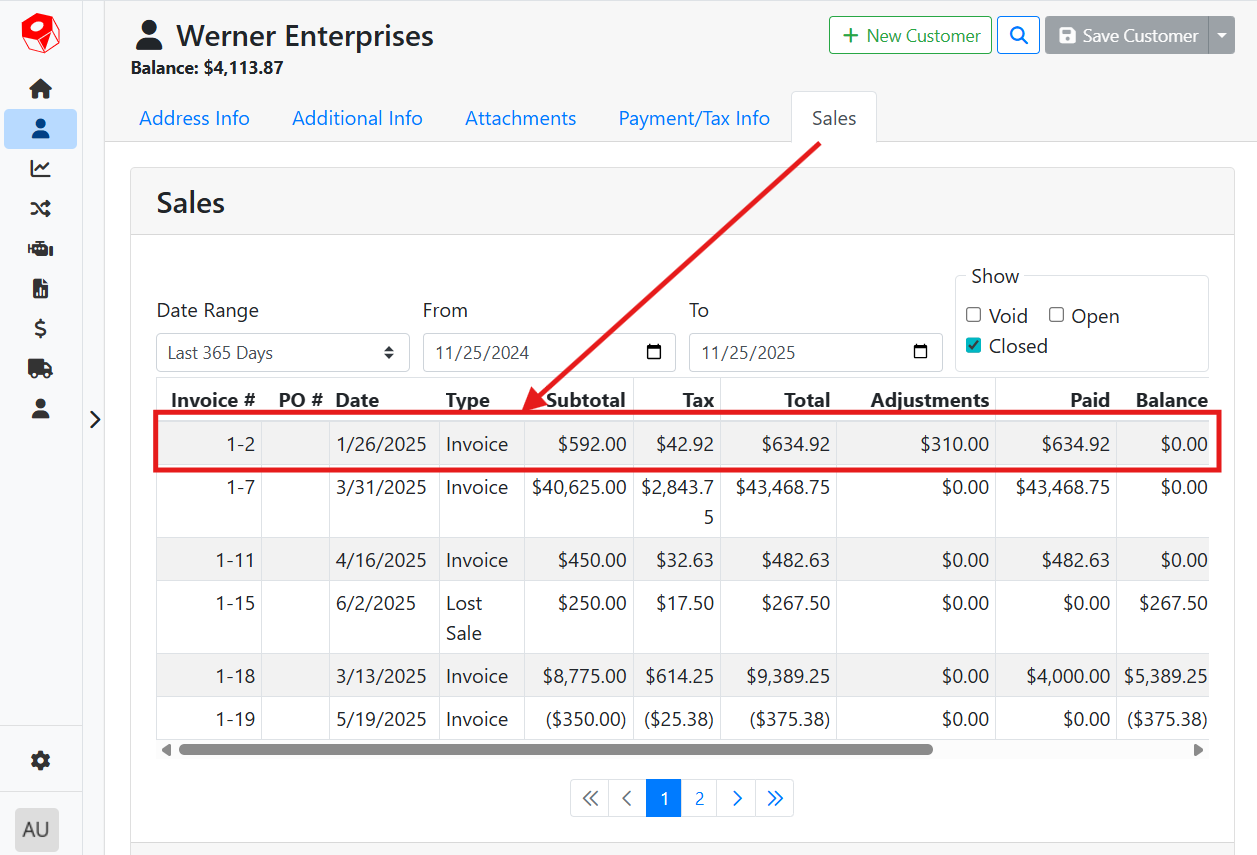
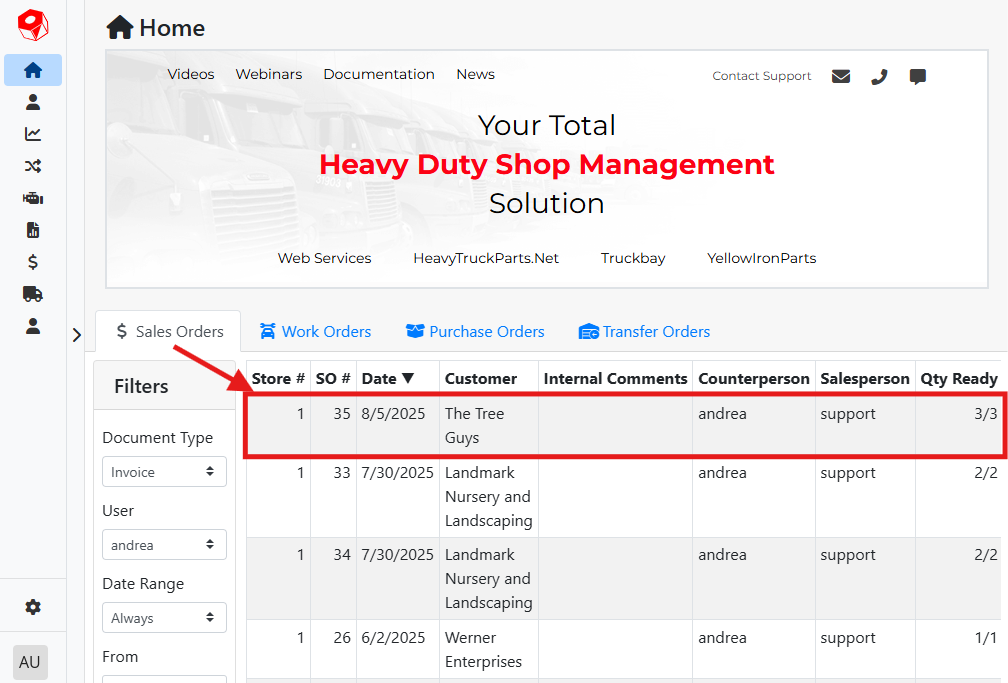
The Sales Order screen lets you view details of a specific sales order document.
Sales Orders on the web are currently Read-Only. To create or edit a Sales Order, use ITrack Enterprise Desktop.
To open the Sales Order screen directly, select Sale Order from the navigation sidebar.
Read more about navigation in ITrack.
You can also navigate to the Sales Order screen by clicking on a sales order document from another screen such as a Customer or the Home screen.