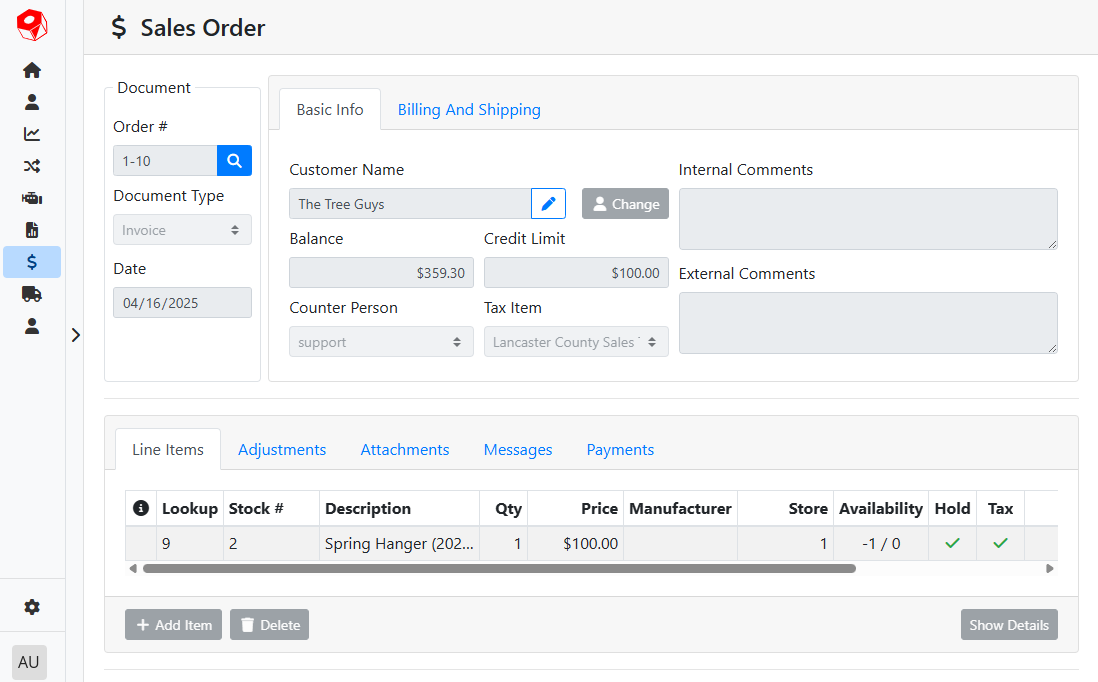
If you are on the Sales Order screen and have an ID number for a sales order, you can load that sales order directly.
Click the spyglass button 
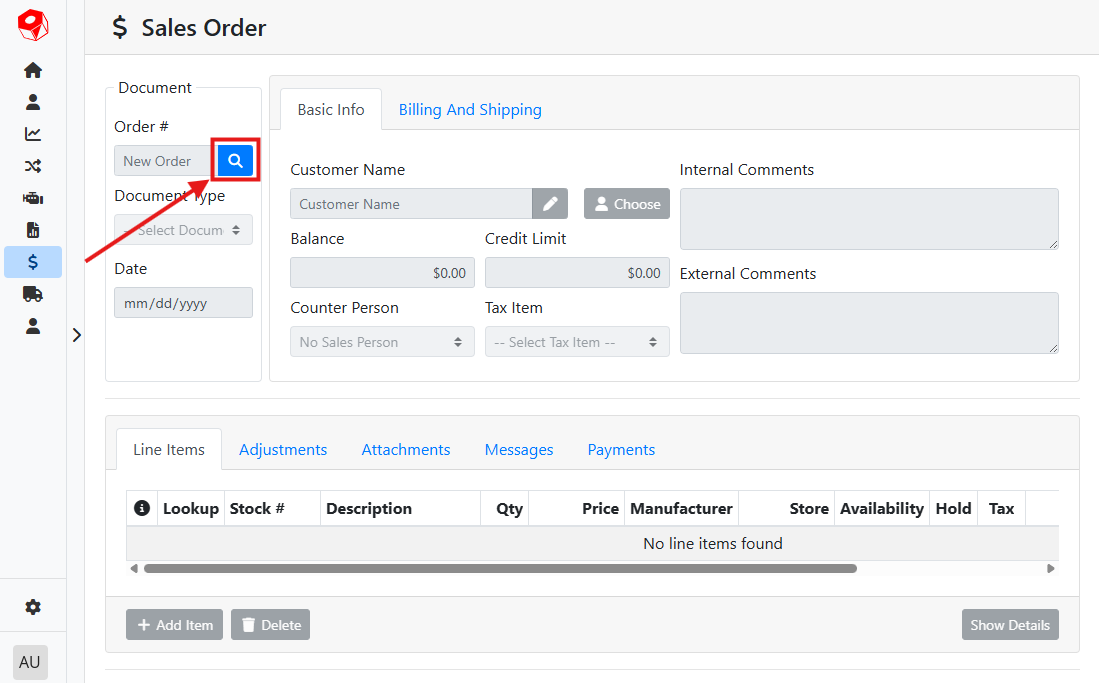
A window will open asking you to input a document number as well as a store number.
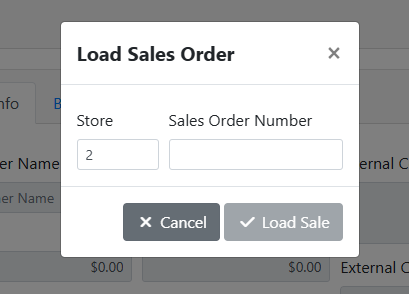
The store number will automatically fill with whichever store you’re currently logged in to. If you have access to more than one store, you can override the store field.
Read more about Stores.
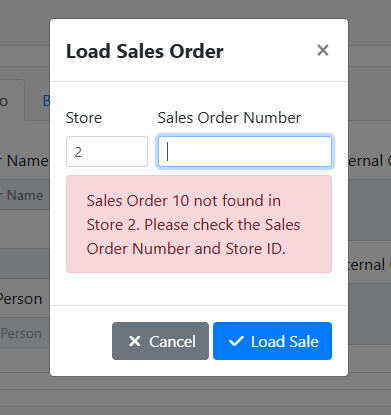
If you input the wrong SO number, ITrack will show a warning. Try another SO number and confirm the store number.
When a SO is found, the window will close and the SO will load.