In addition to the standard fields for vehicles, you might also set up custom fields that are specific to your company. These can be found at the bottom of the Basic Info group, in a group labeled Custom Fields.
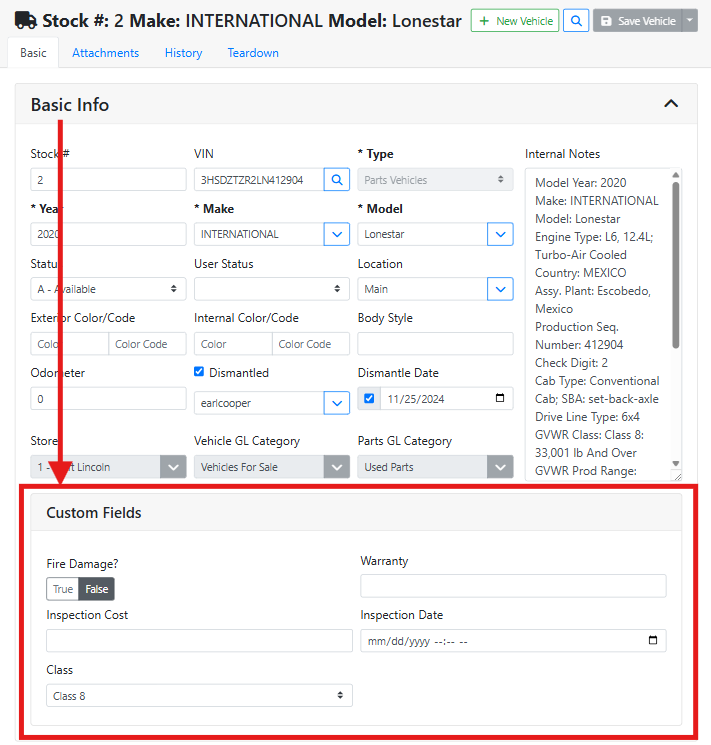
Custom fields can be managed in Configuration > Inventory Types > Inventory Type Details. They might be global and apply to all inventory, they might be specific to that inventory type, or they might be specific to that manufacturer, model, or category. They may also be required.
Read more about customizing Questions in Inventory Type configuration.
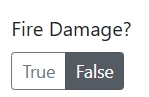
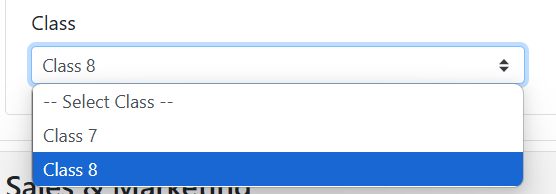
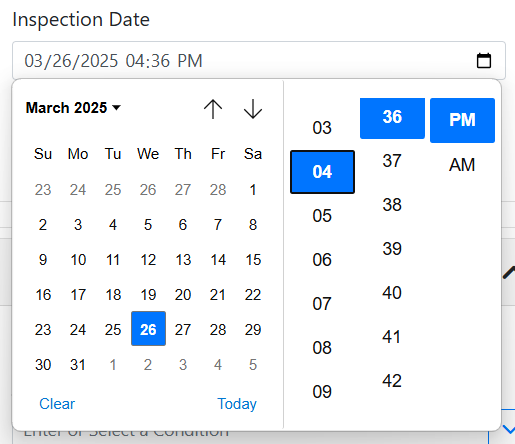
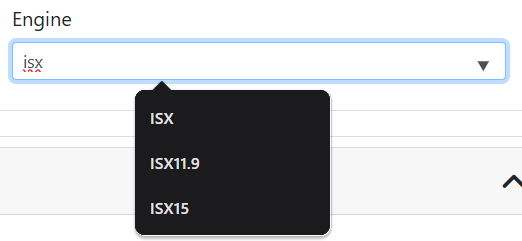
A few different types of custom fields are available. Below are a few examples.