
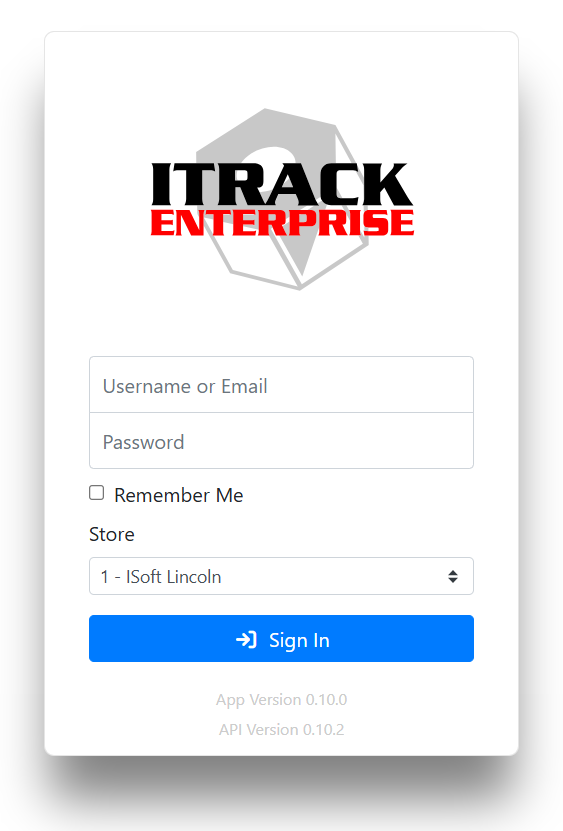
When you first access ITrack, you will see the login screen. Enter your username or email address and your password. If you have access to more than one store, select which store you’re logging into. The store you select will be remembered the next time you log in.
Read more about Stores.
The login window also shows your current version at the bottom. You can click on the version number to see the version change log.
If you have forgotten your password, contact your administrator or use the Forgot Password option in the desktop application. Resetting your password isn’t supported online yet.