
At the top of the part record screen, next to the + New Part button, you will see a menu with two options; Clone Part and Replicate Part.
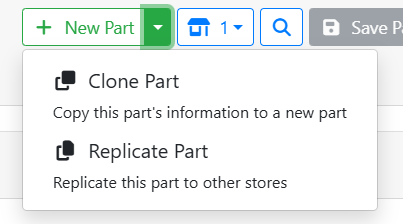
Clone a part when you want to make a similar, but different part record. Replicate a part when you want to stock the same part at more than one store.
➕ Cloning Parts
Cloning a part makes a copy of the part, but is a completely separate part record. A cloned part will have a different SKU from the original, and if you make any changes to the cloned part, it won’t affect the original part. Cloning a part is useful when you stock a similar part to something you already have, but you want to save some time on data-entry.
For example, I have a replenishable part that I stock that is a 24” RainX wiper blade. I also want to stock the 26” wiper blade. Since almost everything about the two parts is similar or the same, I can save time if I clone the 24” wiper blade.
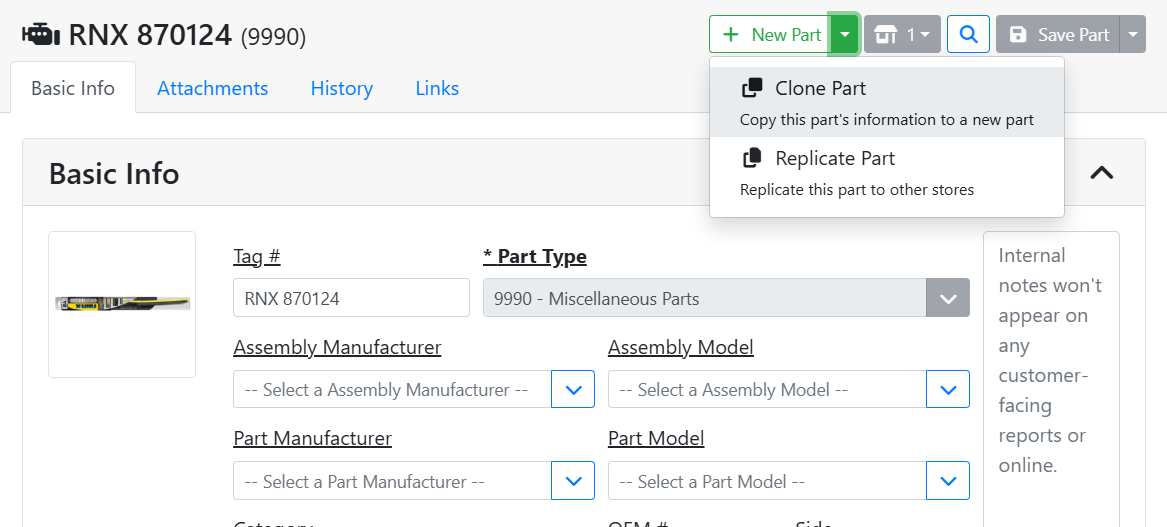
On the 24” wiper blade, I will click in the + New Part menu and select Clone Part.
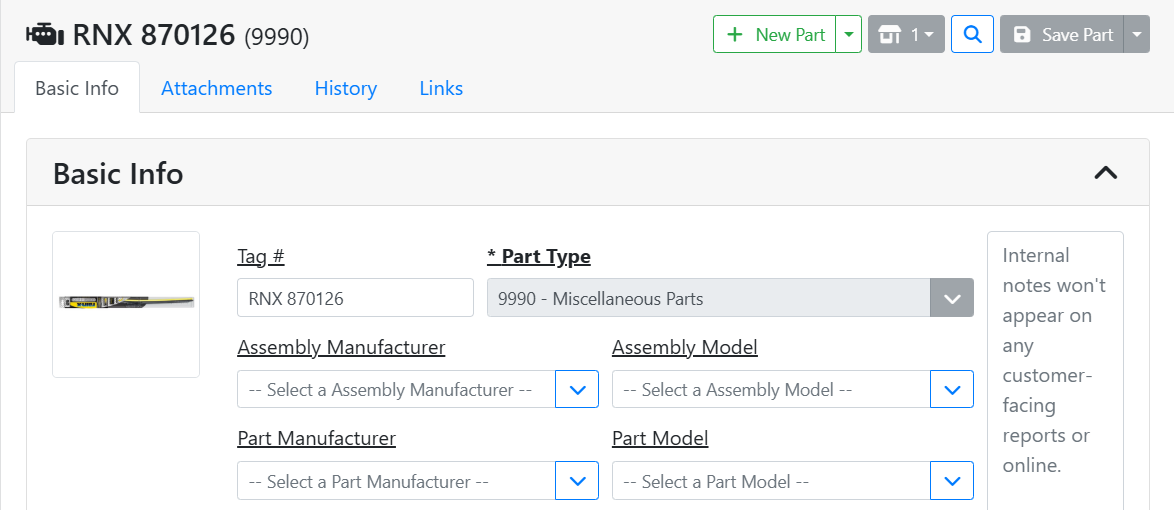
I now have a new part record, which I can update to be accurate for the 26” wiper blade. I updated the Cost, Tag #, OEM#, Description, and images for this part to reflect information for the 26” wiper blade.
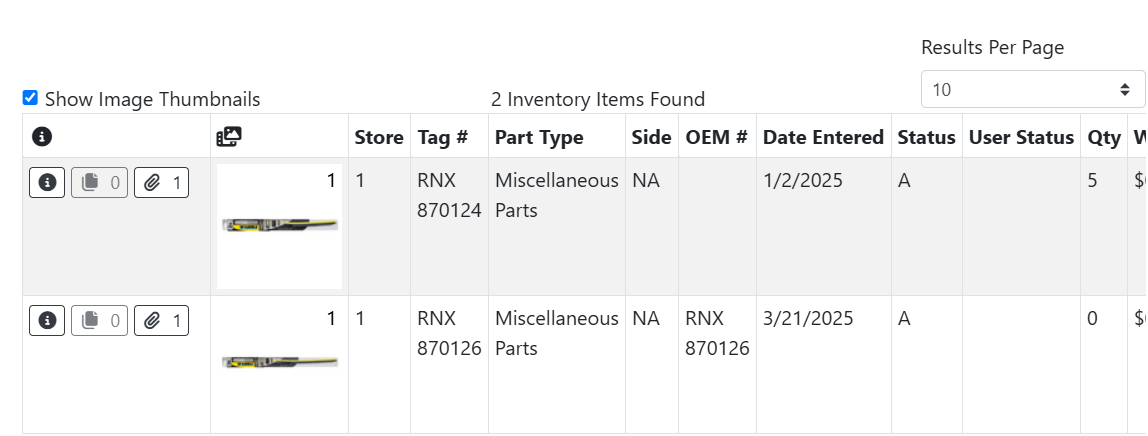
In my parts searches, I now see two different wiper blades listed.
📦 Replicating Parts
Replicating a part means you will be stocking the same part at more than one store. Each store will have a store-specific version of the part with its own quantity, but generally it is the same part. This is useful when you want to stock the same replenishable part at more than one store.
Read more about replicating parts.