
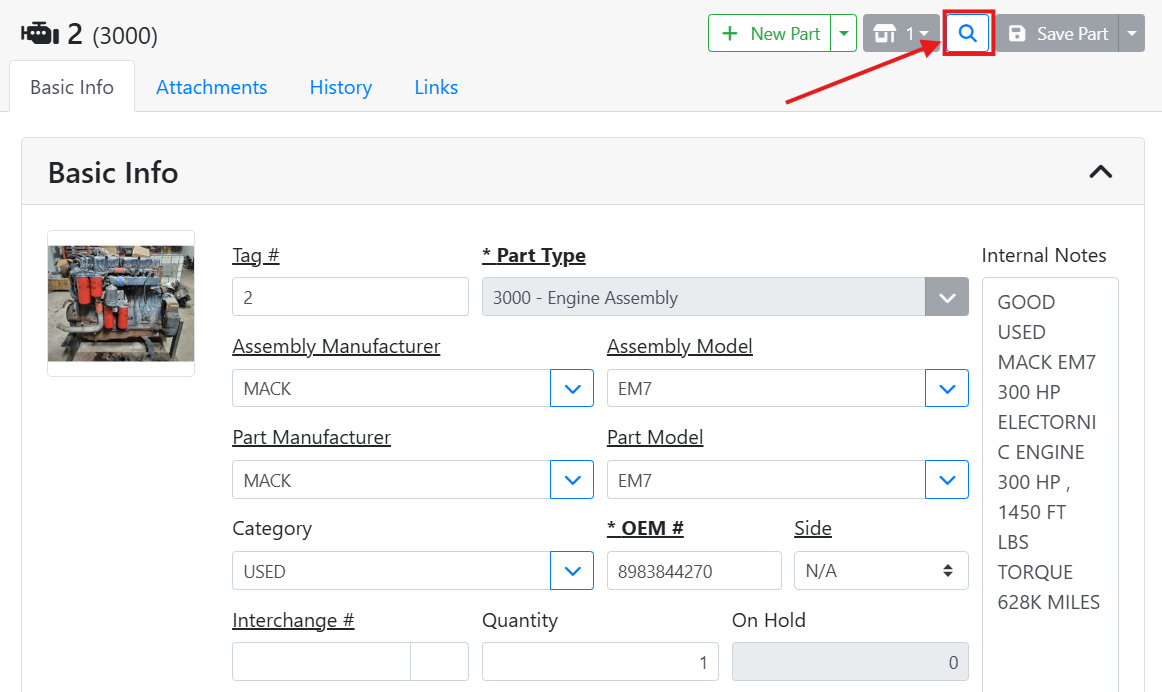
If you are on the Part screen and want to open a specific part, you don’t need to return to the search screen to do so.
At the top of the Part screen, click the spyglass
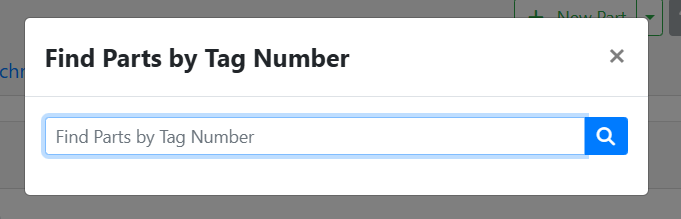
A window will open where you can type a Tag Number for a part. Either click the spyglass button or press Enter on your keyboard and the part will open.
Not finding your part? Try searching for a part instead.