
The HTP Analytics - Add-On Features chart gives you details on the Add-To-Cart and Featured Parts and Featured Vendor options on HeavyTruckParts.Net.
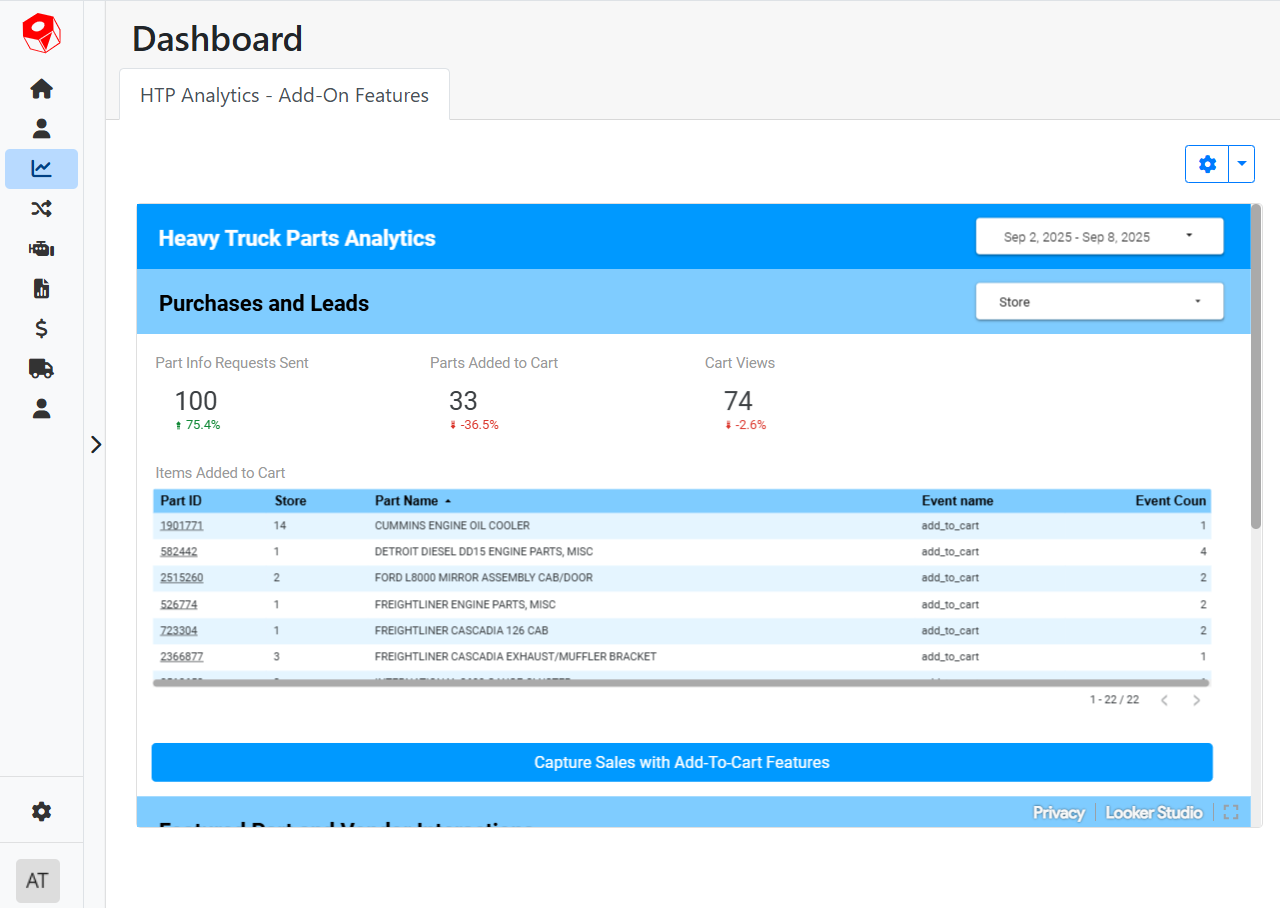
This report will only have data if you are using some optional add-on features in HeavyTruckParts.Net. If you’re interested in learning more, contact our Sales team, or learn more on getitrack.com.
💵 Purchases and Leads
The Purchases and Leads section of the chart focuses on the Add-To-Cart feature.
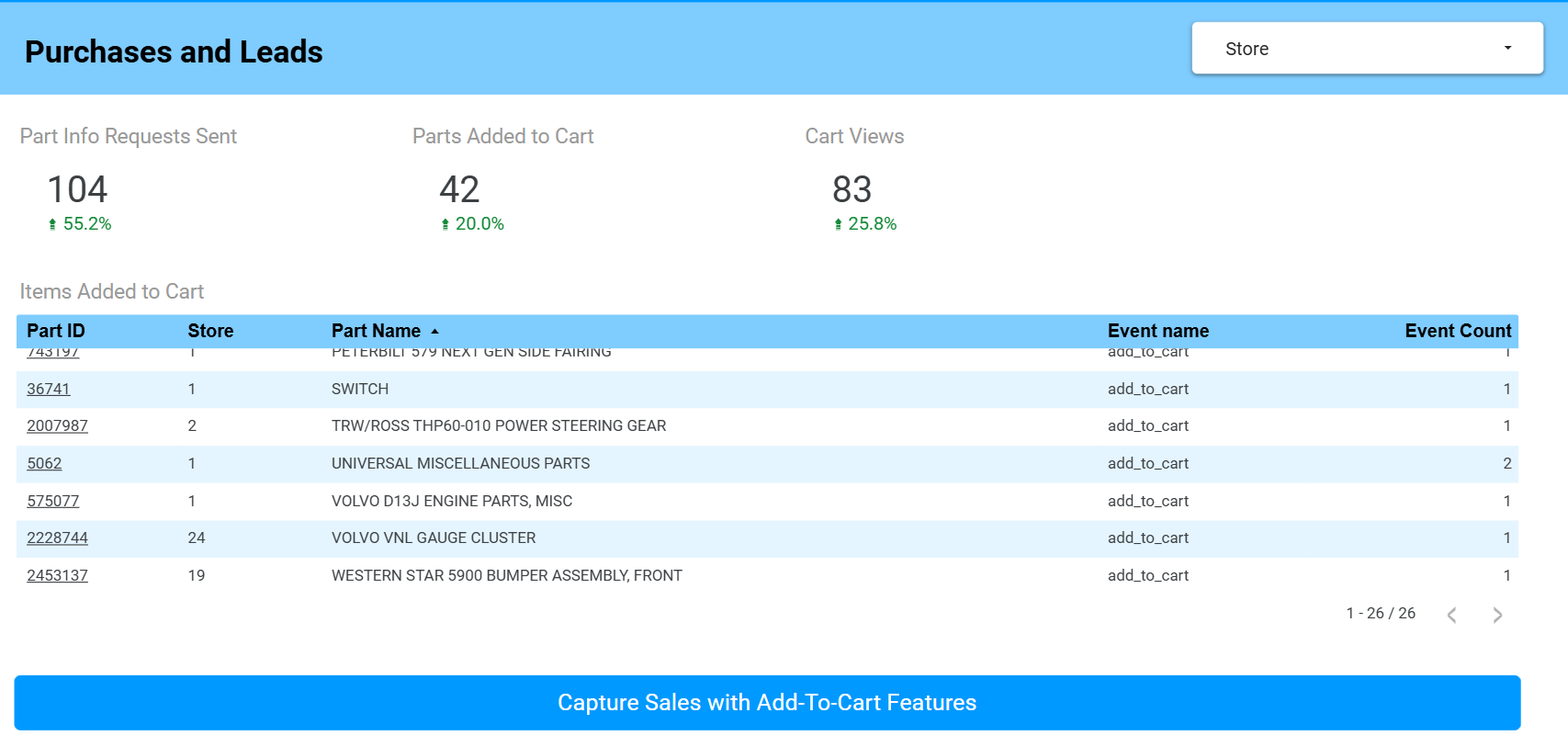
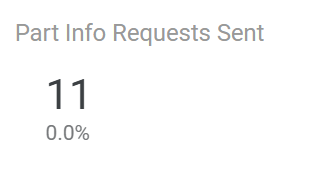
Part Info Requests Sent - The total number of times a user has clicked the Request Info button on a part, either in the Part Detail page or from a search result list, and the user sent a message. The comparison below the total indicates how this number has changed since the last time period.
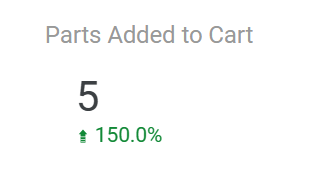
Parts Added to Cart - Sums the total number of times a user has added a part to their cart. The comparison below the total indicates how this number has changed since the last time period.
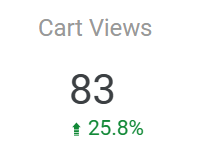
Cart Views - Counts the total number of times a user has clicked View Cart. The comparison below the total indicates how this number has changed since the last time period.
🛒 Items Added to Cart
The Items Added to Cart table shows you specifically which part listings have been added to users' carts. Click on any column header to sort the table by that column.
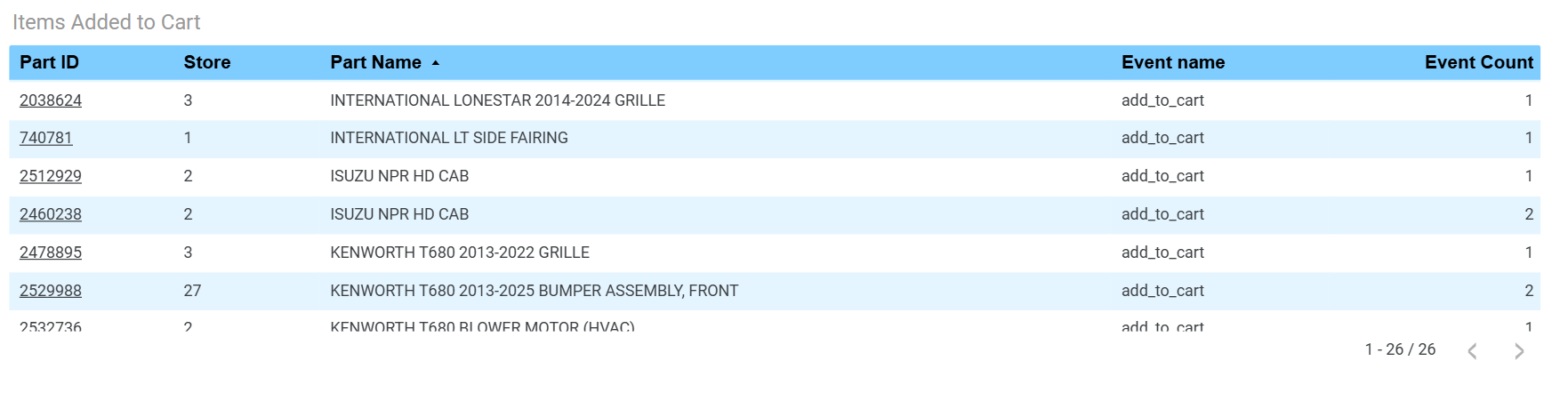
Part ID - The unique ID assigned to the part on HeavyTruckParts.Net. This is not the same as your part’s tag number. The Part ID is also a link; click the link to open the listing on HeavyTruckParts.Net
Store - The Store number this part is stocked at.
Part Name - The name of the part listing on HeavyTruckParts.Net.
Event Name - Indicates the action taken, in this case add_to_cart.
Event Count - The number of times the item was added to a cart.
⭐ Featured Part and Vendor Interactions
The Featured Part and Vendor Interactions section focuses on the Featured Parts and Featured Vendor options. Featured Vendors appear on the HeavyTruckParts.Net home page, and have their parts promoted in search results. Feature Parts are parts that are promoted to appear at the top of search results.
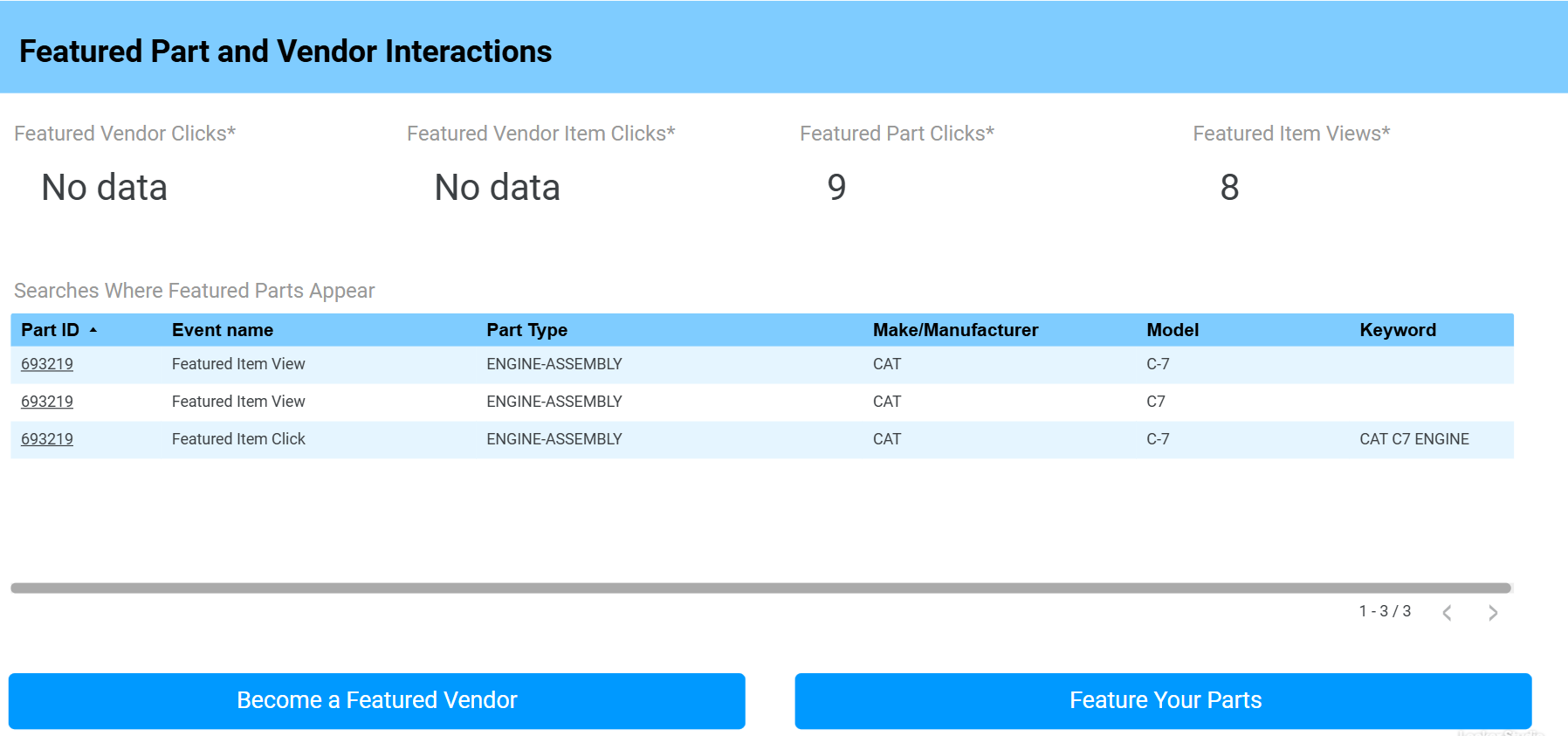
Tracking for featured part and vendor interactions is unavailable prior to July 31, 2025, when tracking was added.
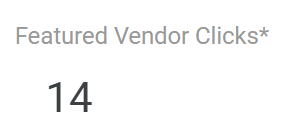
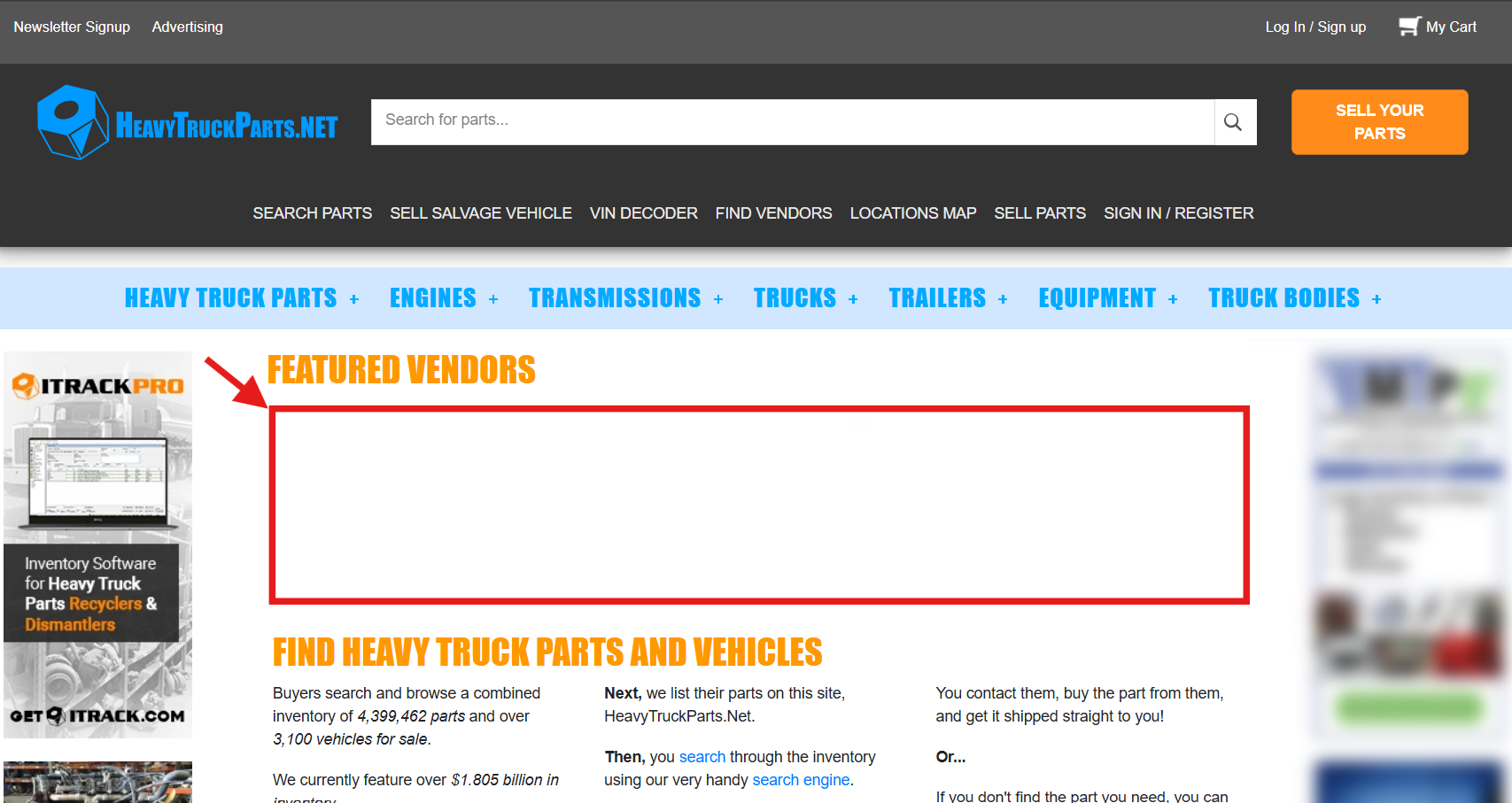
Featured Vendor Clicks - The number of times users have clicked on your vendor page from the Featured Vendor list on the front page of HeavyTruckParts.Net.
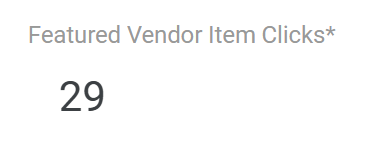
Featured Vendor Item Clicks - The number of times users have clicked on a listing that was promoted in a search due to being a featured vendor.
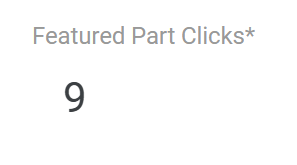
Featured Part Clicks - The number of times users have seen a part featured in a search result and clicked on it.
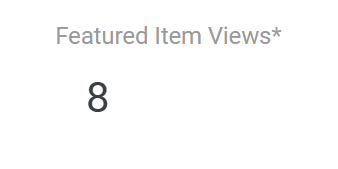
Featured Item Views - The number of times users have seen a featured part in a search result.
🔎 Searches Where Featured Parts Appear
The Searches Where Featured Parts Appear table shows you what users had searched for when one of your featured parts appeared in the search.
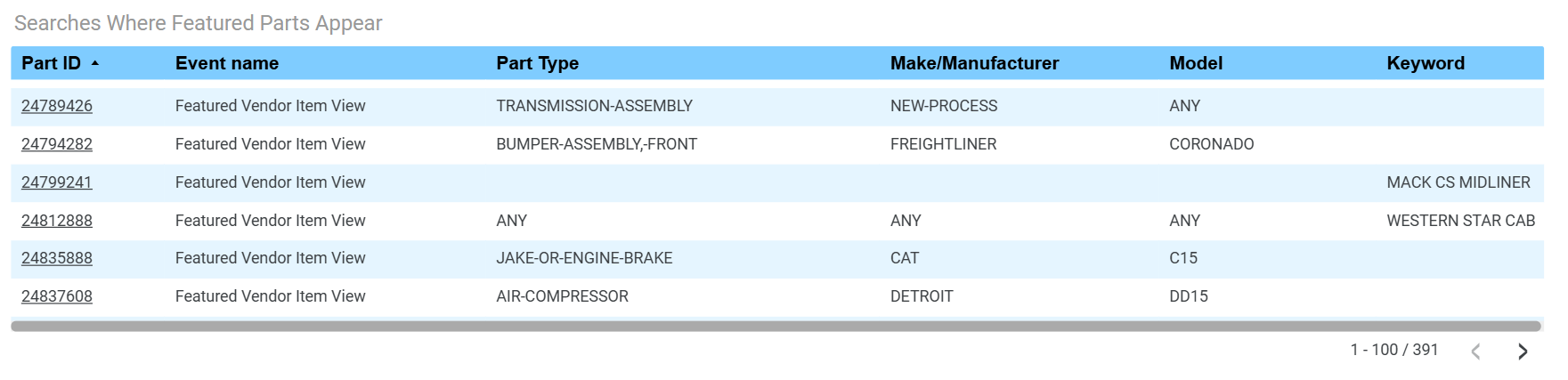
Part ID - The unique ID assigned to the part on HeavyTruckParts.Net . This is not the same as your part’s tag number. The Part ID is also a link; click the link to open the listing on HeavyTruckParts.Net
Event Name - Indicates the action taken. For example:
Featured Vendor Item View - The user saw a part listing that was promoted as part of the Featured Vendor promotion.
Featured Vendor Item Click - The user clicked on a part listing that was promoted as part of the Featured Vendor promotion.
Featured Item View - The user saw a part listing that was promoted as part of the Featured Part promotion.
Featured Item Click- The user clicked on a part listing that was promoted as part of the Featured Part promotion.
Part Type, Make/Manufacturer, Model - Indicates the Part Type, Make/Manufacturer, and Model the user searched for.
Keyword - Indicated the Keyword the user searched for.
Users usually don’t combine Keyword searches with Part Type, Make/Manufacturer, and Model searching. It is normal to see only a keyword provided, or only a part type, make/manufacturer, and model provided.