Use the My Account page under Configuration to manage your own login credentials. You can also navigate to this screen by clicking your username at the very bottom of the sidebar.
You can always manage your own login credentials even if you don’t have access to view or edit other users.
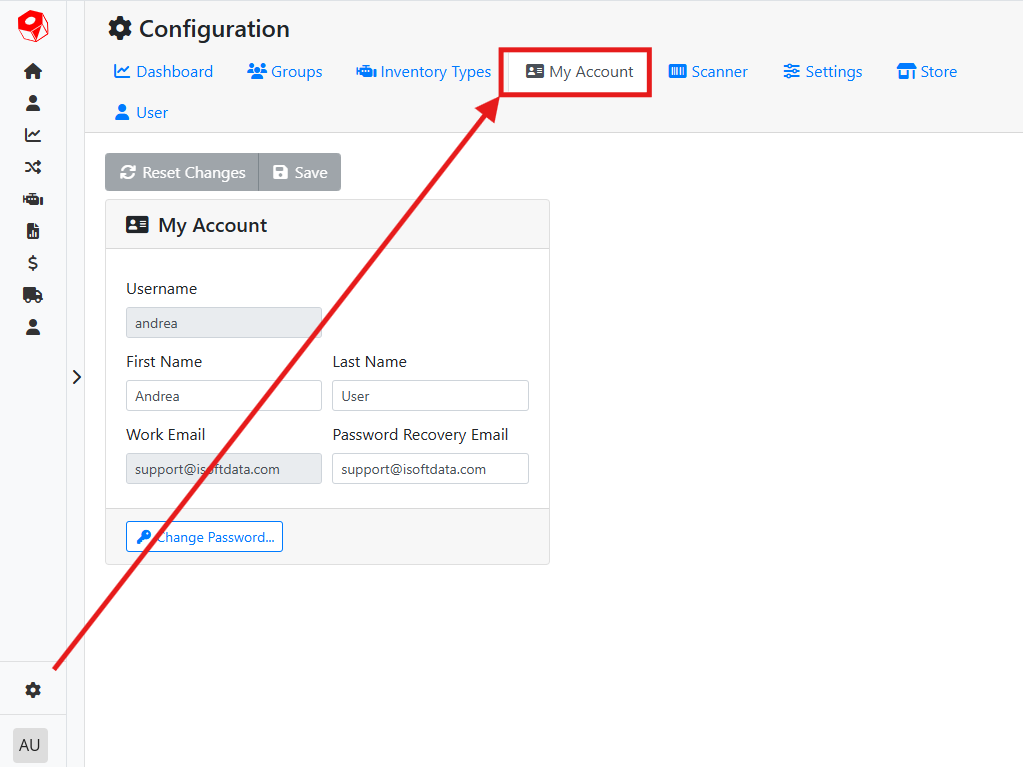
Your Username and Work Email address can’t be edited here and can only be managed by a user administrator.
Your First Name and Last Name are informational and may appear in reports.
Your Password Recovery Email is used to reset your password from the Login screen if you ever forget it.
Read more about how to request a new password from the Login screen.
If you make a change to any of these fields, you will need to click the Save button to commit your changes.
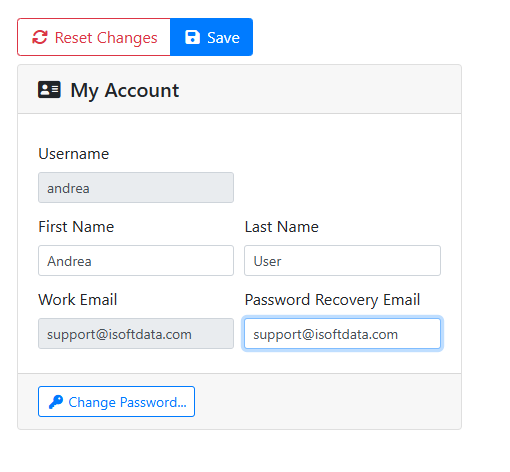
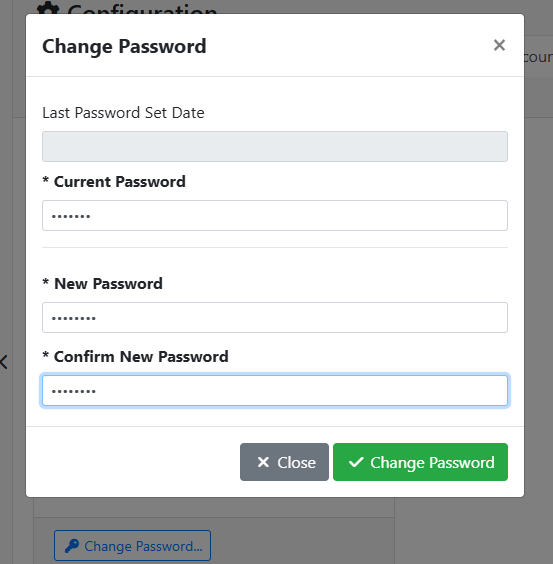
Click the Change Password button to set a new password for yourself.
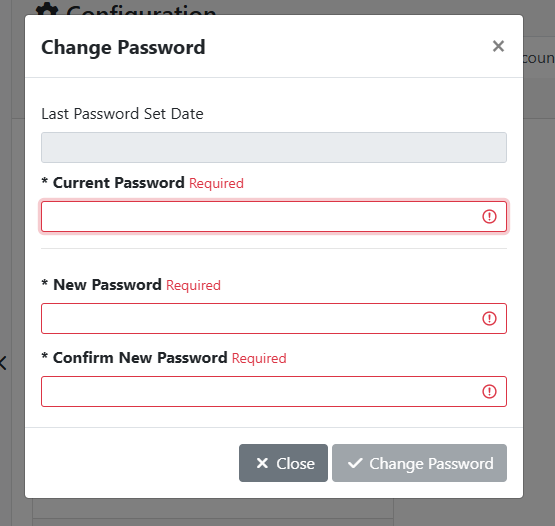
You will need to provide your current password, and your new password needs to be entered twice in order to save. If your new password doesn’t match in both fields, you will not be able to save.